Photo Recovery
- 4.5
- Rating
- 10.00K
- Installs
- Free
- Price

 Analysis by App-foxy
I approached Photo Recovery as the kind of tool you open only after something has gone wrong: a picture disappears, a video is no longer visible, or an important document seems to have vanished from device storage. Its purpose is straightforward, but recovery apps are judged less by their promises than by how clearly they guide you through a stressful search. In my experience, this app is most useful when you treat it as a careful first attempt rather than a guaranteed rescue service.
Developed by jadid-lyoum, Photo Recovery is a free tools app for Android devices. It is available to everyone and works on devices running Android 7.0 or later. The current release is V1.0.3, and the app has built a modest but encouraging audience, with an average rating of 4.5 from around 92 ratings and more than 10K installs. Those figures suggest that people are finding a practical reason to keep it available, although they should not be mistaken for proof that every deleted file can be restored.
How Photo Recovery feels in everyday use
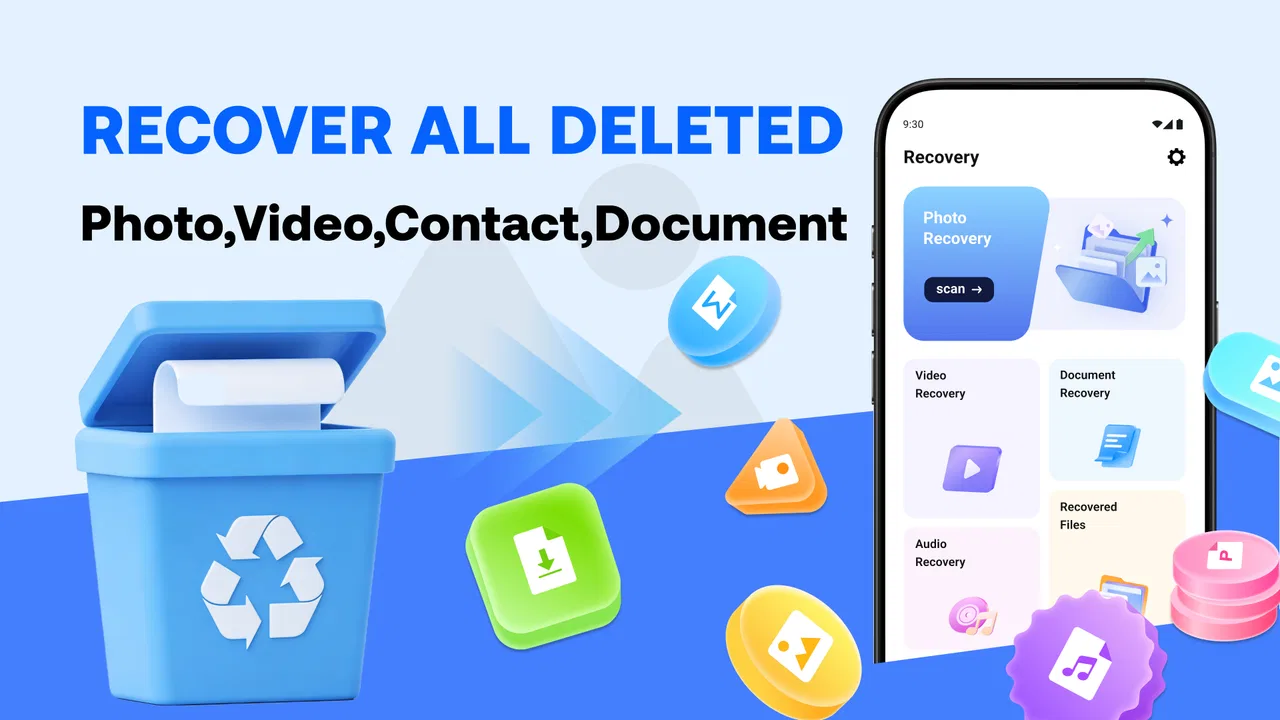
The first thing I like about a recovery tool is whether it gets to the point quickly. Photo Recovery is built around scanning device storage for deleted photos, videos, and documents, so its value is immediately understandable. You are not opening it to organize a gallery or edit media; you are opening it because a file is missing and you want to know whether anything recoverable remains.
You May Also Like

 AccuWeather: Weather Radar
AccuWeather Review: A Quick, Clear Forecast for Everyday Decisions
For everyday plans, the best forecast is the one you can understand quickly. AccuWeather makes rain timing, radar, and local conditions easy to act on, with a few trade-offs.

 Hill Climb Racing
Why Hill Climb Racing Still Turns Crashes Into One More Run
A tiny car, a bumpy hill and one more upgrade: Hill Climb Racing keeps resurfacing because its simple chaos makes every near-miss feel personal.

 AliExpress - Shopping App
AliExpress Makes Global Shopping Feel Personal, but Shoppers Bear the Risk
AliExpress turns a global marketplace into a pocket-sized discovery engine. Its reach is useful, its shopping loop compelling, and its trade-offs easy to miss.

 Lords Mobile: Kingdom Wars
Lords Mobile Is a Kingdom-Building Routine, Not a Quick Match
A case-by-case verdict on the building, battles, device demands, and social commitments that make Lords Mobile rewarding for some players and exhausting for others.

 PDF Scanner app - TapScanner
TapScanner Makes Paperwork Easier to Capture, Check, and Share
TapScanner makes scanning with a phone feel less like a rescue operation and more like a dependable step in getting work done. Its capture tools are useful, though not flawless.

 Block Blast!
 Shows How Much a Puzzle Game Can Leave Out
A quiet grid game shows why puzzle players increasingly value instant clarity, repeatable skill and low-pressure play—and where the genre still needs to catch up.
More From Our News Desk
View All News


A realistic example is accidentally deleting several vacation photos while clearing space. The mistake may happen in seconds, especially when selecting a group of images. Instead of repeatedly searching the gallery, I would use Photo Recovery as an early check: launch it, allow the scan to examine storage, review what it finds, and recover only the files that are genuinely needed. That workflow is more sensible than restoring every result and creating another pile of duplicates.
The same approach applies to a short video removed during a storage cleanup or a document that disappeared from a downloads folder. The app covers more than photographs, which makes it more flexible than a gallery recycle bin. However, the type of file matters. A photo that was deleted recently may be easier to locate than a document overwritten by later storage activity. Recovery depends on what remains in the storage area, not simply on the fact that deletion occurred.
The most important habit is to stop writing new data before scanning. If a missing file matters, avoid recording videos, downloading large files, installing several other apps, or repeatedly clearing storage. New data can occupy the same space that once held the deleted item. Photo Recovery cannot protect a file from being overwritten after the deletion, so using it promptly is more sensible than waiting until the device has been heavily used.
What the scan is really useful for
A scan is valuable even when it does not produce a perfect result. It can tell you whether recoverable traces are still visible and may reveal files that are no longer shown in the normal gallery or file manager. I would review results by filename, thumbnail, file type, and likely date rather than selecting everything automatically. Recovery lists can contain duplicates, partial-looking items, or files that are technically detected but not useful in practice.
This is one area where patience pays off. If you are searching for a particular document, filtering your attention to document results is more efficient than browsing every image and video. If the missing item is a photograph, thumbnails can help identify the right version before you restore it. A quick visual check also reduces the chance of filling storage with several copies of the same file.
The app’s broad purpose makes it suitable for ordinary personal storage, but I would not treat it as a replacement for a backup system. A recovery scanner is reactive: it starts working after something has gone missing. Cloud backup, a computer copy, or an external storage routine is preventive. If a file is irreplaceable, relying on recovery alone is an unnecessary risk.
Who will get the most from it
Photo Recovery makes the most sense for someone who wants a simple Android-based attempt before moving to more complicated recovery methods. It may help after accidental deletion, an incomplete cleanup, or a file becoming invisible in the usual browsing apps. It is also approachable for people who do not want to connect a phone to a computer or learn specialist recovery software immediately.
Its free price is important here. You can try the basic recovery route without first committing money to a tool whose results depend heavily on the condition of the storage. That makes it a reasonable first step for a family member, a casual phone user, or anyone dealing with a single missing item rather than a complete storage failure.
I would be more cautious if the files are business-critical, legally important, or the device has suffered physical damage. In those situations, continued experimentation can make professional recovery harder, and a specialist service may be the better option. The same applies when the phone has been reset, encrypted storage is involved, or the deleted content has been missing for a long time. Photo Recovery is convenient, but convenience is not the same as forensic recovery capability.
Small workflow choices that improve the result
One useful tactic is to prepare the destination before restoring anything. If the recovered file is saved back into the same crowded storage area, you may create confusion or run out of space. I would first remove only clearly unnecessary temporary files, then leave enough room for the selected results. I would also create a separate folder for recovered items so they do not become mixed with the originals.
A second tactic is to recover the most important files first. If the scan shows a long list, begin with the irreplaceable photograph or the one document you need immediately. Open the recovered copy before continuing. This confirms whether the result is usable and prevents spending time restoring low-value duplicates.
A third tactic is to avoid judging a result solely by its name. Deleted files may have generic names or lose their original folder context. A thumbnail, file extension, or preview can be more informative than the filename. For documents, I would check the restored file in the appropriate reader rather than assuming that a successful-looking recovery means the contents are intact.
These steps are not flashy features, but they make the difference between a controlled recovery attempt and a disorganized storage cleanup. The app gives you a way to search; your handling of the results determines how useful that search becomes.
What the current release means for users
V1.0.3 places Photo Recovery at an early stage of its product life. It was released on January 31, 2026, so I see it as a relatively new utility rather than a mature platform with a long history of visible evolution. The current version is the one existing users should evaluate today, while any future improvements should be treated as possibilities rather than promises.
For someone installing it now, the main benefit of a current release is clarity: you are working with the developer’s present version, not an old build that may behave differently on a newer phone. Existing users should update when an official update is available through their normal app source, but I would still avoid deleting other recovery tools or backup copies simply because a new version exists. A version number can show progress, but it cannot guarantee that a particular deleted file will return.
The app’s rating gives it a positive first impression, and its audience has grown beyond a handful of testers. Still, recovery results are unusually personal. One person may recover a useful image, while another may scan the same type of device after more storage activity and find little. I would read the rating as evidence that the app is worth trying, not as a promise of uniform success.
The developer, jadid-lyoum, has positioned the app in the tools category rather than presenting it as a full file-management suite. That distinction matters. I would use it for a focused recovery task, then return to a regular file manager, gallery recycle bin, or backup service for ongoing organization. Keeping those roles separate makes the phone easier to manage and reduces the temptation to use a recovery scanner as everyday storage maintenance.
Where it differs from usual alternatives
The usual alternative is the built-in trash or recently deleted area in a gallery or file manager. That option is often easier because it preserves the original browsing experience and may let you restore files with their familiar names and folders. If the missing item is still there, I would always check that location first. It is generally a cleaner recovery path than scanning storage.
Photo Recovery becomes more interesting when the normal recently deleted area does not show what you need. Its focus on scanning for photos, videos, and documents gives you another route instead of stopping at the gallery’s own recycle bin. The trade-off is that scan results may require more sorting and closer inspection, especially when storage contains many similar files.
Another alternative is desktop recovery software. A computer-based tool may offer more detailed controls or broader workflows, but it is less convenient and can involve cables, drivers, technical terminology, and additional cost. Photo Recovery is better suited to a quick, on-device attempt. If the phone is badly damaged or the missing data is exceptionally important, the desktop or professional route may justify the extra complexity.
Cloud backups are different again. They are usually the better answer for preventing permanent loss, because they preserve another copy before deletion happens. They are not a substitute for Photo Recovery when no backup exists, but they are the reason I would not rely on any scanner as my only protection. The strongest setup is preventive backup first, with this app available as a practical fallback.
Limitations I would keep in mind
The biggest limitation is inherent to deleted-file recovery: detection does not equal restoration. A result may be incomplete, damaged, duplicated, or unrelated to the file you remember. Storage activity after deletion can reduce the chances of success, and the app cannot change that underlying condition.
Another point of friction is the need to review results carefully. Anyone expecting a single button that instantly returns a missing photograph may find the process less satisfying when many results appear. The app is most useful when you are willing to inspect files and make deliberate choices. That is a reasonable trade-off for a free tool, but it should be understood before starting.
There is also a practical privacy consideration whenever an app examines personal storage. I would use a recovery tool only when I am comfortable with the access it needs to search the relevant files, and I would avoid recovering sensitive material into a shared or unsecured folder. After the task, I would review the restored files and remove any unwanted copies rather than leaving a scattered collection behind.
People who need scheduled backups, automatic synchronization, advanced file management, or guaranteed restoration should skip this app as their primary solution. It is not the right category for those needs. Its strength is the immediate, focused question: can anything useful still be found on this Android device?
What I would watch as the app develops
Because the current release is V1.0.3, I would watch how future versions improve the recovery workflow rather than assuming specific additions. The most valuable direction would be clearer result organization, better separation of file types, and a straightforward way to distinguish likely complete files from questionable fragments. Those improvements would directly reduce the time users spend sorting through scan results.
I would also pay attention to how the app handles the experience on newer Android devices while continuing to support Android 7.0 and later. Storage behavior can vary between devices and Android versions, so consistent scanning and transparent recovery steps will matter more than a long feature list. Clear explanations at each stage would help users understand what the app has found and what recovery can realistically achieve.
For existing users, the sensible approach is to keep personal backups independent of the app, use the current version when a recovery need arises, and judge future updates by practical improvements in scanning and file handling. Expectations should remain grounded: a newer build may make the process smoother, but it cannot restore storage that has already been overwritten.
After using Photo Recovery as a focused utility, my recommendation is fairly specific. I would keep it in mind for accidental deletions and try it early, before adding more data to the phone. I would check the built-in recently deleted folder first, scan selectively, restore the most important items to an organized destination, and verify each file afterward.
My honest view is that Photo Recovery is a useful first-response tool, not a safety net you should depend on forever. Its free access, broad support for photos, videos, and documents, and simple purpose make it worth considering for everyday Android users. But if the files truly matter, pair it with regular backups and stop using the device as soon as you notice the loss. That combination gives the app its best chance to help while keeping its limitations in perspective.
FAQs for Photo Recovery
01What types of files can Photo Recovery restore?
Photo Recovery is designed to recover a wide range of file types, including images, videos, and audio files. The app supports common formats like JPEG, PNG, MP4, and MP3, ensuring that you can retrieve various media files that might have been accidentally deleted from your device.
02Is Photo Recovery safe to use on my device?
Yes, Photo Recovery is safe to use. The app does not require rooting your device, which minimizes any potential risks to your phone's operating system. It respects user privacy by processing data directly on the device without uploading any files to external servers.
03How effective is Photo Recovery in retrieving lost files?
Photo Recovery uses advanced scanning algorithms to search through your device's storage for traces of deleted files. While it is highly effective, the success rate can vary depending on how long ago the files were deleted and whether they have been overwritten by new data.
04Does Photo Recovery require an internet connection to function?
No, Photo Recovery does not require an internet connection to scan your device and recover files. All processes are conducted locally on your device, making it convenient to use the app in areas without Wi-Fi or mobile data.
05Can Photo Recovery recover files from external storage devices?
Yes, Photo Recovery can recover files from external storage devices such as SD cards and USB drives, provided they are connected to your device. The app supports different types of storage media, making it versatile for various recovery needs.
Pros
- Recovers lost photos efficiently.
- User-friendly interface for easy navigation.
- Supports various file formats.
- Quick scanning and recovery process.
- Compatible with both internal and external storage.
Cons
- Limited free version features.
- May not recover all files perfectly.
- Ads can be intrusive at times.
- Requires permissions to access storage.
- Occasional slow performance on older devices.

Photo Recovery
Gallery